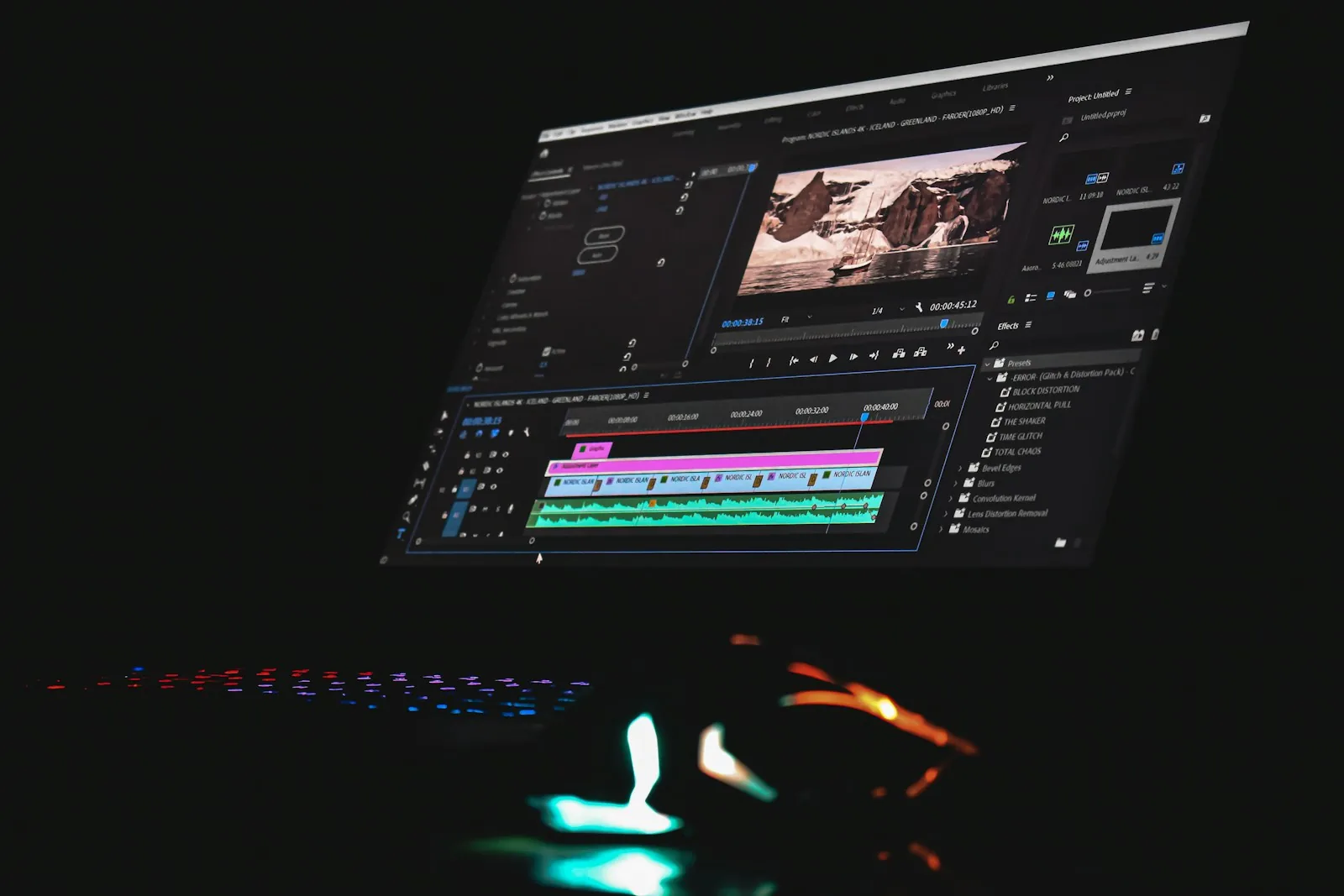

Use AI for atmosphere, variations and heavy lifting, never for your actual product UI. Direct the story, generate the world, then composite the real product back in charge.
How to make an AI product launch video as a designer
An AI product launch video used to mean either a large motion budget or a generic stock-footage montage. That has changed. With the tools now inside Adobe Firefly, a product designer can direct a launch video that feels crafted, move quickly on variations for every channel, and still keep the real product at the centre of the story.
The short version of this playbook: use AI for atmosphere, variations and heavy lifting, never for your actual product UI. Write the story first, lock a visual style with reference images, generate the scenes around your product, composite real screen recordings on top, and finish the edit by hand. The rest of this guide shows how, using the features Adobe listed in its September 2026 Firefly update, published on 18 September 2026.
What changed in Firefly this month, and why designers should care
Adobe's September announcement is small on paper, but several items remove real friction for anyone making product videos.
Remove Background for video. According to Adobe, the video editor now "automatically detects the subjects in your clip and strips the background across the entire clip", with no frame-by-frame masking. For designers, that means a founder talking to camera or a hand holding a phone can be placed into any generated scene.
Reference images with Kling 3.0 Omni. You can now use reference images with the Kling 3.0 Omni partner model in the Video Generation tab and in Boards. This is the feature that makes a consistent visual style possible across shots.
More aspect ratios for GPT Image 2. Image generation with GPT Image 2 now supports ten aspect ratios on the web and in Boards, up from three. Style frames can match the real formats of each channel.
Longer prompts. Adobe increased the prompt length for image and video generation on the web, so a full shot description fits in one prompt.
None of this makes a good video by itself. It removes the tedious parts so the design decisions get more of your time.
Hype vs reality
The hype: type a sentence, get a finished launch film.
The reality: generated footage is excellent at mood, environments, abstract motion and b-roll. It is weak at the one thing a product video must get exactly right: your product. Generated interfaces drift, invent buttons and misspell your brand. Viewers notice, and on a launch video that looks careless.
That is why the workflow below keeps generation and product truth in separate layers.
The Direct, Generate, Composite method
This workflow suits a 30 to 60 second product launch video. It has three phases.
Direct: decide the story before touching a model
Write the one sentence. What should a viewer remember? For example: "Invoices that approve themselves while you sleep." If you cannot write it, no tool will find it for you.
Script five to seven beats. Problem, moment of change, the product in action, the outcome, the call to action.
Record the real product. Capture clean screen recordings of the exact flows the story needs, at high resolution, with realistic data. These will be composited later.
Generate: build the world around the product
Create style frames. Use GPT Image 2 in Firefly to generate key frames for each beat, at the aspect ratio of your main channel. Now that ten ratios are available, create them natively for vertical, square and wide instead of cropping later.
Lock the look with references. Pick the two or three frames that define the style. Use them as reference images with Kling 3.0 Omni when generating each video shot, so lighting, palette and texture stay consistent across the film.
Write full shot prompts. Use the longer prompt length to describe camera movement, subject, lighting and pacing in one prompt per shot. Generate several takes per beat and keep the best.
Film or reuse people. If a founder or customer appears, film them simply against any background and use Remove Background in the Firefly video editor to place them into your generated scenes.
Composite: put the real product back in charge
Composite real UI. Place your screen recordings into the generated scenes on devices, floating panels or full-screen moments. The product is always the real product.
Add product motion. Animate interface highlights, cursor paths and state changes by hand. Here the video explains how the product works. The principles in motion design for AI apply if your product has thinking or streaming states.
Edit, sound and cut downs. Finish pacing, typography and sound in your editor, then export versions per channel from the same master.
AI-generated vs crafted vs hybrid launch videos
Criteria | Fully AI-generated | Traditional motion production | Hybrid (Direct, Generate, Composite) |
|---|---|---|---|
Speed to first version | Very fast | Slow | Fast |
Accuracy of product UI | Unreliable | Exact | Exact, because the UI is real |
Distinct brand look | Risk of looking like everyone else | Strong | Strong if references are designed well |
Cost of variations per channel | Low | High | Low |
Best for | Mood films, teasers, social experiments | Hero brand films, high-stakes launches | Most product launches and feature announcements |
For most product teams, the hybrid approach is the best trade-off. Keep traditional production for the rare hero film where every frame is bespoke.
Things to check before you publish
Usage terms. Review the terms for each model you used, especially partner models, and confirm they match how you will use the video, including paid ads.
Product accuracy. Every visible screen should be a real screen from the current build.
Brand consistency. Compare frames side by side. Generated shots can drift in colour and texture between takes.
Accessibility. Add captions, and avoid flashing or fast strobing in generated abstract motion.
Honesty. Do not show generated features that do not exist. A launch video is a promise.
The fear: will AI video replace motion designers?
It will replace some production steps. It will not replace direction. Anyone can now generate beautiful footage, which means beautiful footage alone stops being a differentiator. What stands out is a clear story, a distinct visual point of view and product motion that explains something. Those are design skills.
The motion designers who struggle will be the ones who only execute. The ones who thrive will direct AI tools the way a cinematographer directs a crew, and spend the saved time on the parts that make a film memorable. The broader version of this argument is in will AI replace UX designers.
When to get help
If your launch is high stakes, a funding announcement or a major release, it is worth having a team that does product design and motion together. Digcy offers motion design and AI video for digital products, built on the same product design thinking as its work as a UI/UX agency in Casablanca serving teams globally. And if your launch is about a new AI feature, the OpenAI DevDay 2026 guide for designers covers where that feature may live next.
FAQ
Can I make a product launch video with Adobe Firefly?
Yes. Firefly can generate style frames, video shots with a consistent look using reference images, and remove backgrounds from video clips. For a professional result, combine those generated scenes with real screen recordings of your product and finish the edit by hand.
What is new in Adobe Firefly for video in September 2026?
Adobe's September 2026 update, published on 18 September, added Remove Background for video in the video editor, reference images for the Kling 3.0 Omni partner model, ten aspect ratios for GPT Image 2 image generation, and longer prompts for image and video generation on the web.
Should I use AI to generate my product's interface in a video?
No. Generated interfaces tend to drift, invent elements and misspell text. Use real screen recordings of your product and let AI handle environments, atmosphere and transitions around them.
Is AI video overhyped for product marketing?
Fully generated launch films are often overhyped, because they look generic and get the product wrong. AI video is genuinely useful for style exploration, b-roll, backgrounds and fast channel variations inside a directed workflow.
Will AI video tools replace motion designers?
They replace parts of production, not direction. Story, visual point of view and product motion that explains how something works are still design decisions, and they matter more when generic footage is everywhere.

Let’s keep in touch.
Discover more about high-performance web design. Follow us on Twitter and Instagram.
