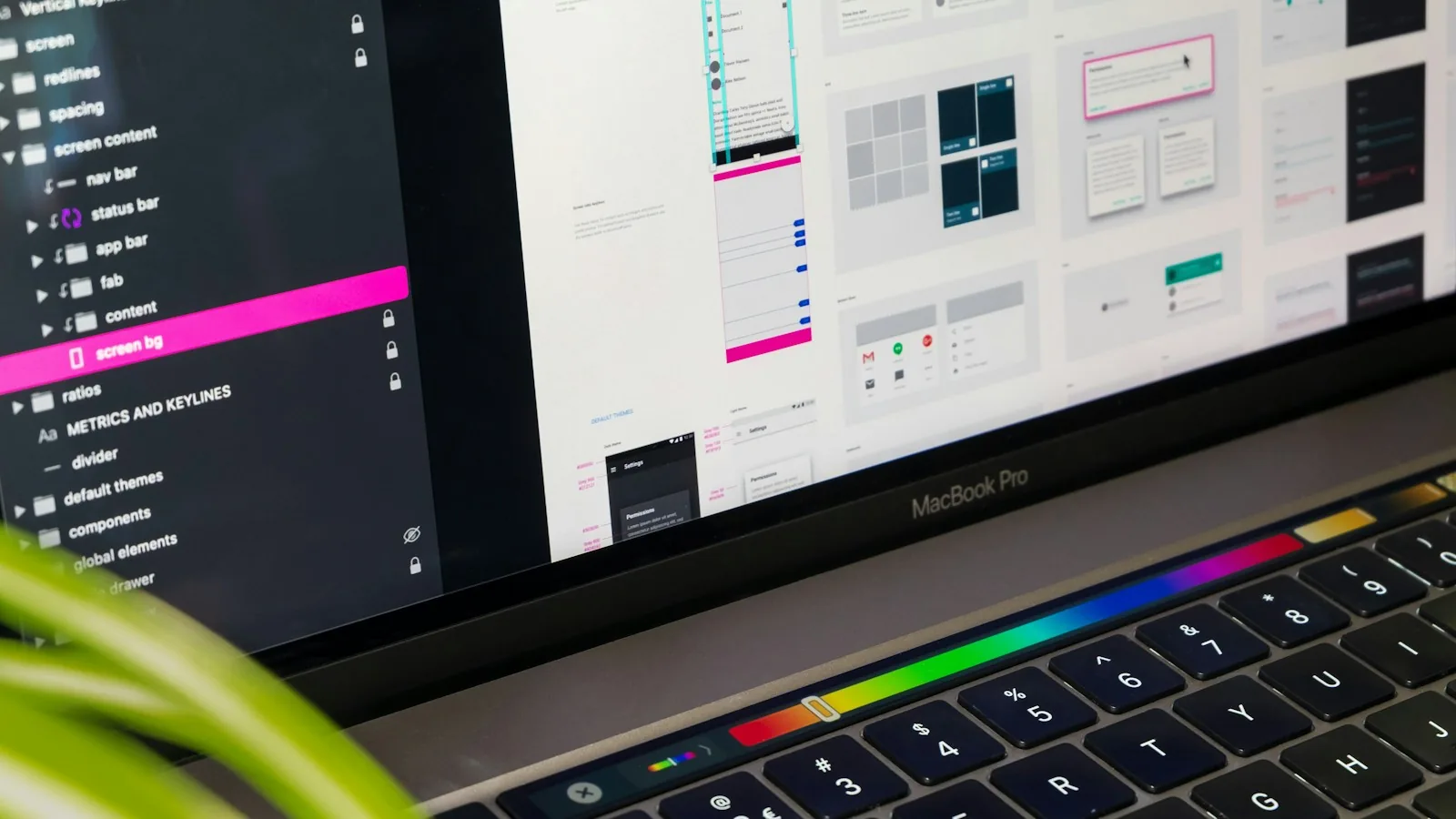

Your design system is no longer only a reference for your team. It is the instruction set for everything that builds your UI.
Why design systems for AI are the next big shift
Design systems for AI are design systems written so that AI tools, not only people, can use them correctly. That sounds like a small documentation task. It is not. More and more interface code is now drafted by AI: coding assistants, design-to-code features and agents that build screens from a prompt. Every one of them reads whatever your team has documented, and every one of them fills the gaps with guesses.
The short answer for product teams: if your design system only exists as a Figma library and a few pages of human-friendly guidelines, AI tools will produce UI that is almost on-brand and quietly wrong. The fix is to describe your system as rules, tokens and examples that a machine can follow, and to treat that description as a product in its own right.
This piece covers what changes, the hype and the fear around it, and a practical framework for rewriting your system this quarter.
What is actually happening
Three shifts are arriving at once.
AI writes the first draft of interfaces. Designers prompt layouts in design tools, developers ask coding assistants to build components, and product managers generate prototypes. The first version of many screens is no longer drawn by hand.
Design tools are making systems machine-readable. Design tools and coding assistants increasingly expose design files, variables and components to AI through integrations such as MCP servers, and let teams add written instructions that encode their conventions. The direction across the industry is the same: the system becomes context for AI. If you want the protocol side, the explainer on building an MCP server for SaaS covers how that plumbing works.
Products are being assembled in more places. As covered in the OpenAI DevDay 2026 guide for designers, products now appear as panels inside assistants and as actions agents perform. Your brand has to hold together in surfaces your team did not draw.
Together, these mean the design system is no longer only a reference for your team. It is the instruction set for everything that builds your UI.
Hype vs reality
The hype: feed your Figma file to an AI and it will generate a perfect product.
The reality: AI tools are very good at copying patterns they can see and very bad at rules nobody wrote down. They will reuse a button correctly and then invent a new spacing value, misuse a warning colour for decoration, or build a modal where your team always uses a side panel. The gap is not the model. It is the missing "why" and "when" in most design systems.
A system that explains when to use each component, what never to do, and how pieces combine will get far better output from the same AI tools. That is the whole opportunity.
Human-first vs AI-ready design systems
Area | Human-first design system | AI-ready design system |
|---|---|---|
Tokens | Named colours and sizes in a library | Semantic tokens with written intent (surface, danger, focus) and forbidden uses |
Components | Visual examples and variants | Variants plus when to use, when not to use, and the closest alternative |
Layout | "Use good spacing" guidance | Explicit spacing scale, grid rules and density per context |
Content | Tone of voice page | Copy rules with examples of good and bad labels, errors and empty states |
Patterns | Screens in a Figma file | Named patterns with steps: "settings change uses a side panel with inline save" |
Motion | A few easing curves | Durations, easing and which states must animate, including AI thinking and streaming |
Format | Pages written for people | Plain-text rules and examples an AI tool can read, alongside the visual library |
The Rules, Reasons, Examples framework
Use this framework to rewrite each part of your system. For every token, component and pattern, document three things.
Rules. The explicit do and do not. "Primary buttons: one per view. Never two side by side."
Reasons. Why the rule exists. AI tools and new teammates both make better decisions when they understand intent. "One primary action keeps the decision obvious."
Examples. A correct example and a common mistake. Machines learn patterns from examples faster than from prose.
If a component has no rules, the AI will guess. If it has rules without reasons, the AI will follow them rigidly and break them in edge cases. If it has examples, the AI will copy them. You want all three.
What to change this quarter
Start with the most generated screens. Look at what AI tools are already building in your product: forms, settings pages, dashboards, empty states. Document those patterns first.
Write semantic tokens with intent. A token called "red-500" invites misuse. A token called "danger-surface" with a note that it is only for destructive actions does not.
Add "when not to use" to every component. This is the single highest-value line of documentation for AI output quality, because it stops the most common misuse.
Document motion and AI states. Thinking, streaming, partial results and errors are where AI-built interfaces look the most generic. The patterns in motion design for AI belong in the system, not in a one-off file.
Keep one source of truth. If the Figma library, the code components and the written rules disagree, AI tools will pick one at random. Make the rules reference real component names in code.
Review AI output like a pull request. Treat generated screens as drafts from a fast junior teammate. Check them against the system, and when you see the same mistake twice, fix the documentation, not just the screen.
The fear: does this turn designers into documentation writers?
It is a real worry. If AI generates the screens, is the designer's job reduced to writing rules?
Look at it differently. Writing a design system that makes hundreds of AI-generated screens feel coherent is higher-leverage design work than drawing each screen. It requires taste, judgement about trade-offs and a deep understanding of users. That is the job of a senior designer or a design engineer, and it is becoming more valuable, not less. The designers who struggle will be those who only produce mockups. The ones who shape the system that everything else is built from will set the quality bar for the whole product. For the wider picture, see will AI replace UX designers.
There is also a quality upside. Teams that do this well get more consistent products than they had before AI, because the rules are finally written down.
How to start in one week
Pick the ten components your product uses most and add rules, reasons, examples and "when not to use" to each.
Rename any colour or spacing tokens that describe appearance instead of purpose.
Write three named patterns for your most common screen types.
Generate one screen with your usual AI tool before and after the changes, and compare.
Put the written rules where both your design tool and your code assistant can read them.
If you want a partner to rebuild your system for AI-assisted design and development, Digcy offers UI/UX design services and AI product development, working as a UI/UX agency in Casablanca with teams worldwide.
FAQ
What are design systems for AI?
Design systems for AI are design systems documented so AI tools can apply them correctly: semantic tokens with intent, components with rules for when and when not to use them, named patterns, motion rules and examples, written in a format both people and machines can read.
Why do AI tools produce off-brand UI?
Because most design systems explain what components look like, not when to use them or what to avoid. AI tools copy visible patterns and guess the rest, which leads to invented spacing, misused colours and the wrong component for the job.
Will AI replace design system designers?
No. AI increases the value of a well-written design system, because it becomes the instruction set for every generated screen. Designing and maintaining that system requires judgement and taste that AI tools do not have.
Is AI-generated UI overhyped?
The claim that AI can produce a finished, coherent product from a prompt is overhyped. AI is genuinely good at first drafts that follow documented patterns, which is why the quality of your design system now decides the quality of AI output.
How do I make my design system AI-ready?
Use the Rules, Reasons, Examples framework for every token, component and pattern, add "when not to use" guidance, rename tokens by purpose, document motion and AI states, and keep one source of truth that both design and code tools can read.

Let’s keep in touch.
Discover more about high-performance web design. Follow us on Twitter and Instagram.
