
Do not move everything on-device or keep everything in the cloud. Run frequent, personal and simple tasks locally, escalate hard ones with consent, and design the handoff as one product.
What on-device AI changes for mobile apps
On-device AI means the model runs on the phone itself instead of on a server. For product teams, that single change moves three things at once: features become private by default, they keep working offline, and they respond without a network round trip. It also imposes real limits, because a model that fits in a phone's memory is smaller and less capable than a frontier model in a data centre.
The practical answer for most mobile teams is not "move everything on-device" or "keep everything in the cloud". It is a split. Fast, frequent, personal and privacy-sensitive tasks go local. Heavy reasoning, long context and anything that needs fresh world knowledge stays in the cloud. The design work is deciding where that line sits for each feature, and then making the handoff between the two feel like one product.
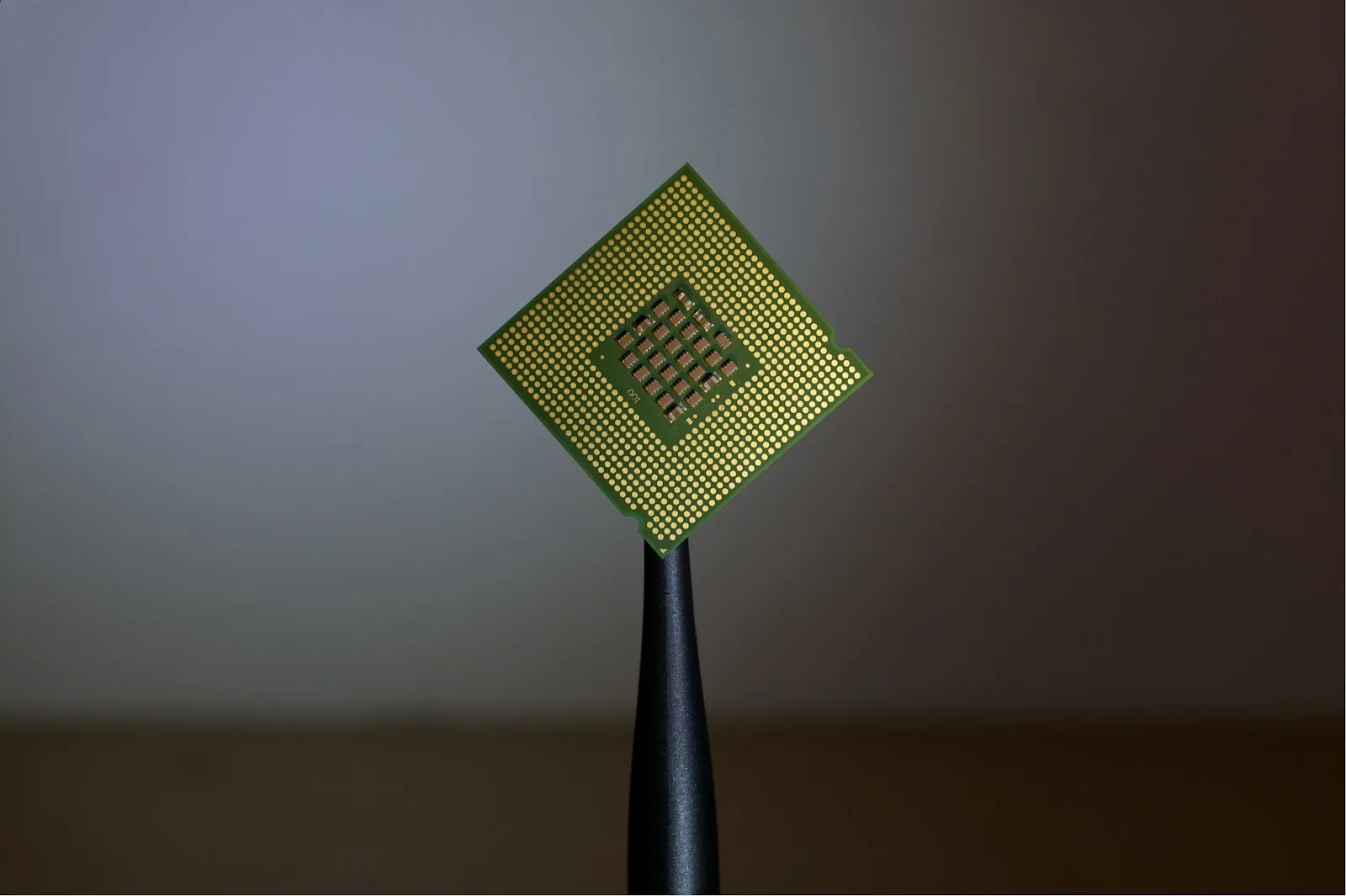
Both major mobile platforms now ship system-level models and give developers access to them through platform frameworks, and chip makers have spent several hardware generations adding dedicated neural processing units. That means on-device AI is no longer a research project. It is a default capability that product teams can assume on recent devices, and plan around on older ones.
Why this is a product decision, not just an engineering one
It is tempting to treat model placement as an infrastructure choice that engineers settle quietly. That is a mistake. Where a model runs shapes what the user experiences in ways that design has to own.
A local model answers in the time it takes to render a frame or two. That makes a class of interactions possible that were awkward before: suggestions that appear as the user types, summaries that are ready the moment a screen opens, photo or text understanding that happens during capture rather than after an upload. When latency drops that far, the feature stops feeling like "asking the AI" and starts feeling like the app simply understands.
Privacy changes too. If personal data never leaves the device, the permission conversation is different. The app can analyse a user's messages, health notes or photos without sending them anywhere, and it can say so plainly. That is a stronger promise than any privacy policy paragraph.
And offline becomes a real state rather than an error screen. A travel app, a field-service tool or a note-taking app can keep its smart features working on a plane or in a basement.
The cost is capability. Smaller models make more mistakes, handle less context and know less about the world. The patterns in AI product design for models that get things wrong matter even more when the model is small.
On-device vs cloud AI: how the trade-offs compare
Criterion | On-device AI | Cloud AI |
|---|---|---|
Latency | Near instant, no network hop | Depends on network and server load |
Privacy | Data can stay on the phone | Data leaves the device, needs disclosure |
Offline | Works without a connection | Fails or degrades without one |
Model capability | Smaller models, shorter context | Largest models, long context |
World knowledge | Frozen at model build time | Can use search and fresh data |
Per-use cost to the business | Close to zero after shipping | Paid per request or per token |
Device coverage | Recent hardware only | Any device with a connection |
Update speed | Tied to OS or app updates | Change the model any day |
Battery and heat | Real cost on long tasks | Negligible on the device |
Read the table as a set of pressures, not a scoreboard. A feature used dozens of times a day on personal data leans local almost automatically. A feature used once a week that needs deep reasoning leans cloud. Most real products have both kinds.
The Four-Question Placement Test
For each AI feature on the roadmap, ask four questions. The answers point to a placement.
1. How often does it run? Anything that fires on every keystroke, every photo or every screen open should be local. Cloud calls at that frequency add latency the user feels and a bill the business feels.
2. How personal is the input? Messages, health data, location history, photos of people and financial details are strong candidates for local processing. Keeping them on the device removes a whole category of consent and compliance work.
3. How hard is the task? Classification, extraction, short rewrites, ranking and summarising a single screen of content are well within what small models do reliably. Multi-step planning, long documents, code generation and open-ended research usually are not.
4. Does it need to know what happened today? A local model knows nothing after it was built. If the answer depends on prices, news, inventory or anything that changes, the feature needs the cloud or a retrieval step that fetches fresh data.
When the answers conflict (frequent and personal, but hard), the answer is usually a hybrid: a local model does the first pass and decides whether to escalate. That pattern, local triage with cloud escalation, is where most of the interesting product design sits over the next year.
Designing the handoff between local and cloud
The hybrid model creates a new design problem: the user should not have to understand where the model runs, but they do need to know when their data is about to leave the phone.
A few patterns hold up well:
Default local, escalate with consent. Run the local model first. If it cannot handle the request, say so and offer the cloud path, stating clearly what will be sent. This keeps the privacy promise honest.
Show the capability gap, not the architecture. Users do not care about parameter counts. "For a longer answer, this needs to go online" is enough.
Keep the output format stable. If a local summary and a cloud summary look completely different, the product feels like two products. Design one output component that both paths fill.
Design the offline state on purpose. Decide which features degrade, which disappear and which keep working. Then make the offline state look intentional, not broken.
Motion and feedback matter here as well. A local result that appears instantly and a cloud result that takes several seconds need different loading behaviour. The ideas in motion design for AI thinking states apply directly: the fast path should feel immediate, and the slow path should show that work is happening.
What product teams should do differently in the next 12 months
Audit the roadmap for local candidates. Go through every planned AI feature and run the four questions. Features that currently call a cloud model for small, frequent tasks are the obvious first moves, because they get faster and cheaper at the same time.
Plan for uneven hardware. On-device models only run on recent devices, so every local feature needs a fallback. Decide early whether older devices get a cloud version, a simpler non-AI version, or nothing. This is a product decision with pricing and support consequences, and it belongs in the spec, not in a late engineering ticket.
Treat the platform model as a dependency you do not control. When you use a model the OS provides, it can change with an OS update. Build evaluation checks that run against real examples so you notice when behaviour shifts.
Rethink what the app exposes to the system. As operating systems gain their own assistants, apps increasingly surface actions and content to the system layer. On-device intelligence and system-level actions are two halves of the same shift, and the same thinking about delegation from agentic UX applies when the OS assistant starts acting inside your app.
Rewrite the privacy story. If a feature genuinely keeps data on the device, that is a selling point. Put it in onboarding and in the permission prompt, in plain language.
If you are planning a new mobile product or reworking an existing one around these capabilities, the placement decisions need to be made alongside the interface, not after it. That is the kind of work covered under mobile app development and mobile app design, and for Apple platforms specifically, iOS app design.
Where on-device AI is the wrong choice
Local models are not always the answer. Skip on-device AI when the feature depends on current information, when output quality is the whole product (a writing assistant competing on quality, for example), when most of your users are on older hardware, or when the task needs long documents or many steps of reasoning. In those cases a cloud model, or a cloud model with careful data handling, will serve users better.
Be wary, too, of shipping a local feature only because it is possible. A mediocre local summary that users learn to ignore is worse than no summary at all.
FAQ
What is on-device AI in a mobile app?
On-device AI is a machine learning model that runs directly on the phone's processor rather than on a remote server. The app sends input to the local model and gets a result without a network request, which makes the feature faster, private by default and able to work offline.
Is on-device AI better than cloud AI for mobile apps?
Neither is better in general. On-device AI wins for frequent, personal and simple tasks where speed and privacy matter. Cloud AI wins for hard reasoning, long context and anything that needs current information. Most mobile products end up using both, with a local model handling the first pass.
Which tasks work well with on-device models?
Small models handle classification, text extraction, short rewrites, smart replies, ranking, summarising short content and image or text understanding during capture well. They struggle with long documents, multi-step planning, code generation and questions about recent events.
Does on-device AI work on older phones?
Usually not. On-device models need recent hardware with enough memory and a neural processing unit. Every local feature needs a planned fallback for older devices, such as a cloud version, a simpler non-AI version, or hiding the feature.
How does on-device AI affect app privacy?
When a model runs locally, personal data such as messages, photos or health notes can be processed without ever leaving the device. That removes a category of data transfer and lets the app make a simpler, stronger privacy promise. If a feature escalates to the cloud, the app should say clearly what is being sent before sending it.
Should product teams plan for on-device AI now?
Yes. Both major mobile platforms give developers access to system models, so teams can assume local AI on recent devices. The next 12 months are the right time to audit AI features for local candidates, design the local and cloud handoff, and decide what older devices get.

Let’s keep in touch.
Discover more about high-performance web design. Follow us on Twitter and Instagram.
