
Are you planning to build a website or a mobile app? Or exploring a design career? Then understanding what is the difference between UI and UX design is not enough. You need to know how they work and what their goals are.
UI and UX are usually mentioned together. Sometimes, people often treat them as the exact same thing.
In reality, they are not.
In the simplest terms, UI design determines the visual appearance of a digital product. It focuses on how people feel about a digital product, application, and website when they see it. UX design focuses on how people experience the whole journey when they use a digital product, application, or complete a task on a website.
Think of it this way. UI is what users see on the screen. UX is what they go through and their overall experience while using it.
UI works for how a digital product would look. Their colors, buttons, fonts, and layout. But if visitors can't find what they're looking for. Get lost in the navigation. Abandon a task halfway through; that's a UX problem. UX helps users to have smooth navigation and overall effortless user experience.
In this blog, we'll break down UI and UX, look at where they overlap, explore how they work together, and clear up some of the misconceptions.
What Is UI Design?
UI is short for User Interface. It deals with creating visual parts that individuals observe and use on a digital product, application, or website.
Each thing on the screen that a user uses, like buttons, menus, icons, colors and shapes, is part of UI.
For example, in an app for delivering food, you will see the search box, category tabs, product cards, and checkout button. All of these are parts of the UI. Combined together, they form the appearance and experience of how this product works.
A clean and uniform interface can give a website or app a reliable appearance. Also, it makes the website or app simpler to use. It guides users on where to focus, what steps to take next, and how they should engage with the product. UI significantly influences initial impressions.
Key Elements of UI Design
UI designers work within a defined visual system. The core components are:
Color - Color is not only for brand identity. It is significant to the functions of websites or applications. Color guides attention conveys state (like error, success, disabled) and sets up hierarchy. A carefully planned color arrangement should be intentional and uniform on all displays.
Typography - The selection of typography affects how easy it is to read. It also shows a sense of creativity. If a wrong font or unmatched type size is used, it can make an interface look unprofessional even if all other things are correct.
Buttons and Interactive parts – Buttons and other interactive parts influence users to take action. Their dimensions, position, text on them and visual changes (hovering over them, being active or inactive) give a sense of usability. It shows that something can be clicked and what action it will perform.
Icons - When we apply them correctly, icons can reduce the visual mess. They can replace words with symbols that people can immediately identify. But if we don't apply them carefully, they may cause confusion and make users speculate.
Layouts and Spatial Systems - Layouts means how elements are placed on a screen from the visual hierarchy. This guides users to know where they should look first. What is most important and how information connects. A powerful grid system along with regular spacing gives interfaces a stable and professional appearance.
What Is UX Design?
UX is short for User Experience. A good design of UX can make products simple to use and very practical. It also makes the user journey pleasant for every user.
UX design is centered around how users interact with websites or apps. Especially when using them to achieve some objectives or complete a task. The aim is to ensure interactions are easy, quick, and stress-free
For example, ordering food through an app in a few easy steps and actions shows good UX. It feels seamless as designers minimalize the barriers.
Key Elements of UX Design
UX design is a research-driven, iterative discipline. Its core activities include:
User Research - It is useful for designers to know what are the needs of users. What kind of issues they encounter. What they look forward to from a product. Teams collect this information through talking with people, surveys, user comments and tests for usability. This assists them to create the design based on actual behavior of users.
Information Architecture (IA) - IA arranges content, features and navigation in a sensible manner. If designers do this properly, it makes the UX seamless. Users can rapidly locate what they are looking for. If IA does not match the standard, people get confused and leave.
User Flows - User flows illustrate the actions users follow to finish a task, like registering, purchasing something or arranging an appointment. They assist teams in identifying redundant steps and perplexing routes. Also, user flows help them identify potential roadblocks before development begins.
Usability Testing - This is about observing real people using a product and finishing tasks. Usability testing helps to find out the places where users face difficulties, make errors or feel annoyed. In this way, they can enhance the experience prior to launching it.
UI Vs UX Design: What's the Real Difference?
UI and UX work to accomplish the same goal. They create better digital products. However, they handle problems from different angles. UI design focuses on the visual interface. UX design focuses on the user's journey through that interface.
Aspect | UI Design | UX Design |
Primary Focus | How the product looks | How the product feels to use |
Main Goal | Make screens clear and attractive | Make tasks simple and easy |
Concern | Visual design and interface elements | User needs and overall experience |
Work Includes | Colors, fonts, buttons, icons, and layouts | User research, user flows, and testing |
Creates | Screen designs and design systems | Wireframes, prototypes, and user journeys |
Measures Success By | Clear and consistent visuals | Easy and satisfying user experiences |
Main Question | "What should users see?" | "How should users complete a task?" |
Why Understanding UI and UX Design Matters
What was the last app or website you used that frustrated you?
Maybe it looked great at first glance. Then things got annoying. A button was hard to find. The checkout process felt confusing. Something that should have taken seconds ended up taking minutes.
That's where UI and UX start affecting real results.
The users always determine whether they stay or leave after visiting and experiencing a website or app. Here, small design decisions can influence trust. It can make users confident about the product. Most of the time, UX influences even purchasing decisions.
From a business perspective, the impact is just as important.
Clear navigation helps users find information faster.
Streamlined flows reduce unnecessary steps.
Consistent interfaces build user confidence.
Better usability reduces task abandonment.
Fewer friction points mean fewer user frustrations.
None of these outcomes come from visuals alone. They also don't come from usability alone. So, both UI and UX matter here.
UI UX Design Process
A successful digital product rarely happens by accident. Most great products follow a structured UI UX design process.
Step 1: User Research and Discovery
The process starts by understanding users.
Designers collect insights through:
Interviews
Surveys
User feedback
Analytics data
This helps identify user needs and challenges.
Step 2: Information Architecture and User Flows
Next, designers organize information.
They plan:
Navigation systems
Page structures
User journeys
Content hierarchy
This helps users find information quickly.
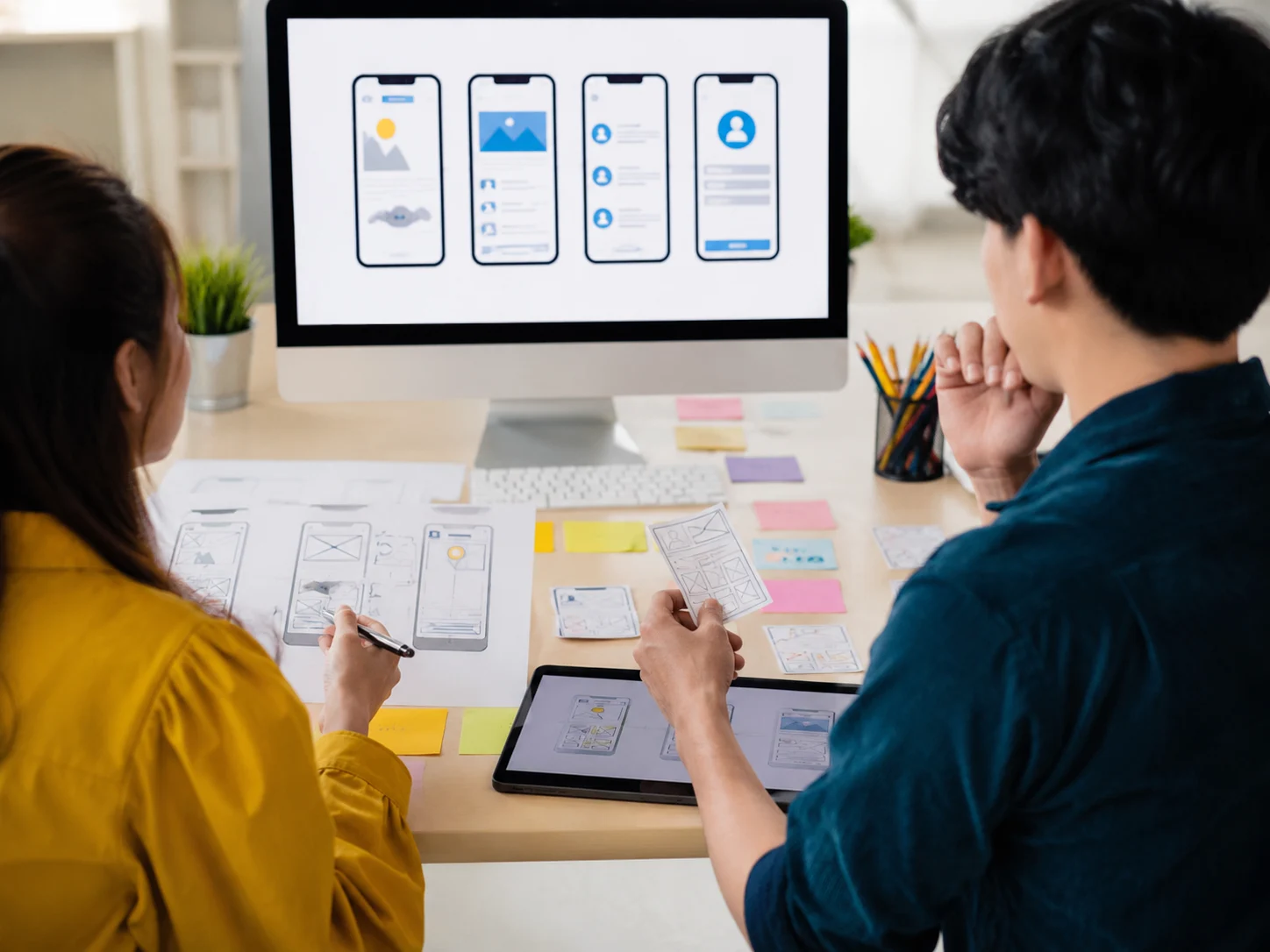
Step 3: Wireframing and Experience Planning
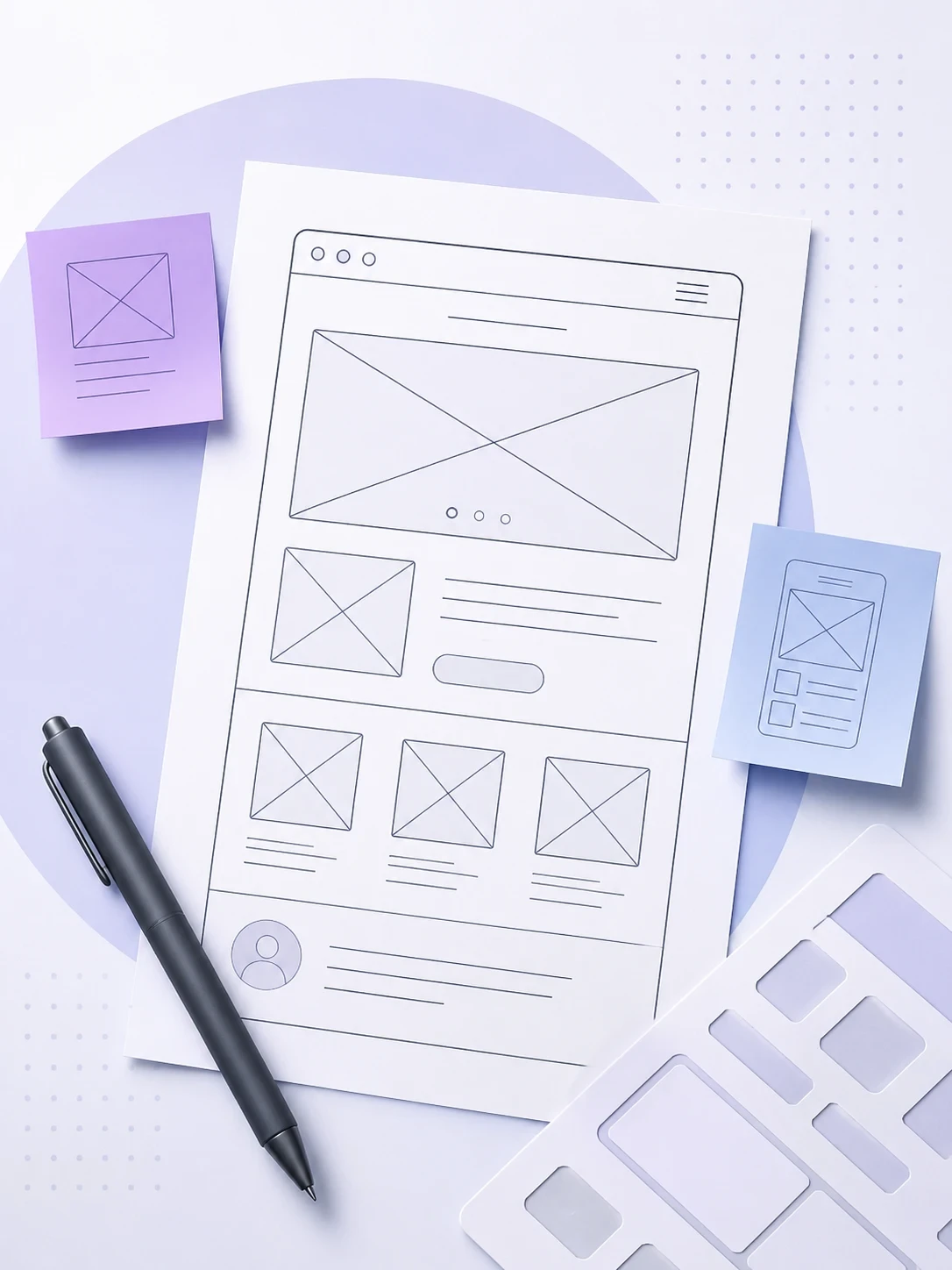
Wireframes are simple layouts that show structure without visual styling.
They help teams:
Test ideas early
Review workflows
Identify usability issues
The goal is to validate experiences before visual design begins.
Step 4: UI Design and Visual Systems
Once the experience is clear, designers create the visual interface.
This includes:
Typography
Colors
Components
Design systems
The focus shifts to presentation and interaction.
Step 5: Interactive Prototyping
Prototypes simulate real product interactions. This allows teams to test ideas before development. Designers can identify problems and improve their flow.
Step 6: Testing and Improvement
Usability testing reveals how people interact with the product.
Feedback helps teams:
Fix issues
Simplify tasks
Improve user satisfaction
The process continues even after launching.
How UI and UX Design Work Together to Create Better Products
UI and UX are most effective when they work together. They do not compete against each other. They support the same goal.
UX Creates the Structure
UX defines how users move through a product.
It determines:
Navigation
Workflows
Information hierarchy
This creates the foundation.
UI Creates the Presentation
UI turns that foundation into an interface people can see and use. It improves clarity and engagement.
Why Strong Products Need Both
A great experience requires both usability and visual communication. Without UX, products become confusing to use.
Without UI, products become difficult to engage with. At the same time, combining both creates smoother and more effective digital experiences.
When Do You Need a UI UX Design Service?
Many businesses invest in UI UX design after noticing user frustrations. However, involving designers earlier often produces better results.
You may need a UI UX design service if:
You are launching a new product
Your website has low conversion rates
Users abandon key workflows
Navigation feels confusing
Engagement metrics are declining
Your interface feels outdated
Look for signs of friction. Small usability issues can create significant business challenges over time.
How to Choose a Good UI UX Designer
All designers do not approach problems the same way. You should focus on the process rather than visuals alone.
Look Beyond Visual Design
Portfolio aesthetics are the least reliable indicator of design quality. Look for evidence of their work process. Find out their research methods, decision rationale, and iteration history. A designer who can explain why they made a decision is valuable. They are more important than one who shows you beautiful screens.
Review Their Design Process
Ask specifically: how do they begin a project? What research do they conduct? How do they validate structural decisions before applying visual design? A clear, repeatable process is a sign of professional maturity.
Evaluate Their Research Capabilities
Can they design and run a usability test? Do they know the difference between generative and evaluative research? Have they changed design direction based on user findings? These capabilities distinguish strategic designers from executors.
Assess Their Product Thinking
Designers who are strong tend to focus on the problem of the product, not only the design issue. They inquire about goals related to business, limitations technically and user situation before they start working on a design file. Seek out designers that challenge when instructions or briefs are not clear.
Review Case Studies and Results
Case studies must present the issue, method, choices taken and preferably the tangible results. Before-and-after measurements, usability test outcomes and adoption information indicates that a designer is responsible for results.
Common Mistakes People Make About UI and UX Design
Many misconceptions create confusion in UI/UX design.
Common mistakes include:
Assuming UI and UX are the same thing
Focusing only on visual design
Skipping user research
Designing without testing
Prioritizing trends over usability
Ignoring accessibility
Misconceptions and mistakes will lead users to poor user experiences. They will face issues using the product and will leave the app or website soon.
The goal is to design around user needs rather than assumptions.
Final Thoughts
The difference between UI and UX design is the difference between how a product looks and how it works. UI design shapes what users perceive. UX design shapes what users experience. Both influence whether a product succeeds. Just in different layers.
Products that invest in UX, but neglect UI often lose users before they get the chance to demonstrate their value. Products that invest in UI, but neglect UX often look compelling in demos and fail in daily use. The strongest digital products treat these disciplines as inseparable.
For businesses, this is not a philosophical distinction. It is a practical one. Poor UX will cost you money through failed launches. Poor UI costs money through eroded trust and low adoption. Strong UI UX design is one of the most direct levers available for improving both.
At Digcy, we approach product design as a single discipline that spans both layers. From user research and information architecture through visual systems and interaction design. If you are building a product that needs to work and be trusted, we bring the process and the craft to make both happen.
Frequently Asked Questions
1. What is the difference between UI and UX design?
The difference between UI and UX design is that UI gives attention to apps or websites' looks. It focuses on colors, layouts, and buttons that you see. UX design gives more attention to how easily users can use an app or website. The paths users take and their total experience.
2. Which is more important, UI or UX?
Both are important. UX helps users complete tasks successfully, while UI helps them understand and interact with the product.
3. Can one person do both UI and UX design?
Yes. Many designers work as UI UX designers and handle both experience planning and interface design.
4. What does a UI UX designer do?
A UI UX designer researches user needs, creates wireframes and prototypes, designs interfaces, and tests experiences to improve usability.
5. When should a business invest in UI UX design services?
Businesses should invest in UI UX design when launching products, redesigning existing experiences, improving conversions, or addressing usability challenges.

Let’s keep in touch.
Discover more about high-performance web design. Follow us on Twitter and Instagram.
