
When the assistant can build a small interface for every answer, the designer's job moves from drawing screens to deciding the rules those screens follow.
ChatGPT Intelligent UI for designers: the short answer
ChatGPT Intelligent UI is a new capability in GPT-6 that lets ChatGPT answer with real interfaces instead of only text. According to OpenAI's GPT-6 and Intelligent UI announcement, published on 7 October 2026, responses can now include graphics, tappable buttons, forms, charts and small interactive tools, and the model chooses the layout based on the question. A comparison can appear side by side, an explanation can become an interactive diagram, and a simple question can still get a plain text reply.
For designers, ChatGPT Intelligent UI matters less as a feature and more as a signal. The most used AI assistant in the world now designs a small interface for every answer, on the fly, from a component library. That is generative UI shipped at consumer scale. It changes where some user journeys start, it changes what your product competes with, and it makes design systems and design judgment more valuable, not less.
What OpenAI actually shipped
Kept to what the official page states:
Interfaces composed per answer. OpenAI says it trained GPT-6 to compose responses from text, visuals and interactive elements, deciding how they fit together for each question. Its examples include a road trip plan shown on a map, a recipe with the timing laid out alongside it, interactive explanations of statistics concepts, and tools built on request, such as a bill splitter, a savings calculator or a simple game.
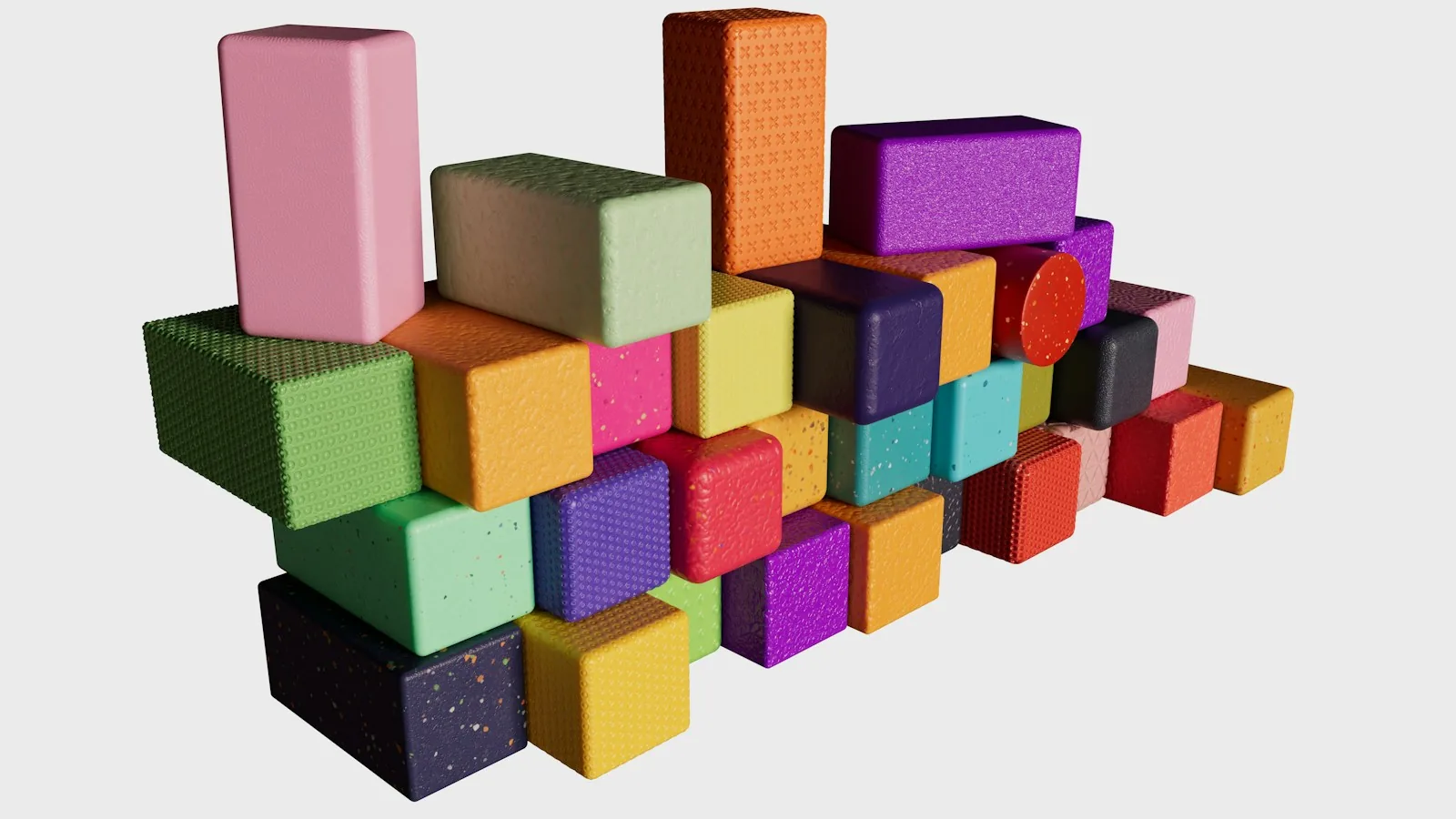
A component library plus a compiler. This is the part designers should read twice. OpenAI built a library of native, streamable components and a compiler that processes the interface while the model generates it. The library gives every answer "a familiar design foundation", and the model decides how the pieces fit together. The compiler lets the interface appear progressively, without waiting for the full response.
Design judgment as a training target. OpenAI says it evaluated the interfaces the model creates for clarity, usefulness and completeness, so the model learned when to use interactivity and when text is enough. It also says plainly that there is still work ahead to improve the model's design judgment.
Answers that start while the model is thinking. GPT-6 can interleave thinking with answering, building a response across several partial updates. OpenAI also says web search answers start sooner than with GPT-5.6 Instant.
Availability. Intelligent UI started rolling out on 7 October 2026 to Plus, Pro, Business and Enterprise in the Chat tab, and to Free and Go tiers from the next day. Paid tiers run on GPT-6 Sol and free tiers on GPT-6 Luna. Enterprise access depends on admin settings, and the models behind Work and Codex did not change in this release.
The announcement is about the ChatGPT app. It does not describe a new developer API for Intelligent UI components, so do not plan a product around one until OpenAI documents it.
Hype vs reality
The hype says static apps are finished and every screen will be generated. OpenAI's own closing line leans that way: instead of people adapting to software, software adapts to people.
The reality is narrower and still significant. Intelligent UI is good at disposable interfaces: a calculator you need once, a comparison you read once, a diagram that explains one idea. Those used to be a reason to visit a website or open an app. Now they can appear inside the answer.
What it does not replace yet is the durable product: the place where your data lives, where you come back every day, where permissions, history, payments and trust matter. A generated bill splitter does not need an account system. Your banking app does.
Verdict: the hype is right about direction and wrong about speed. The first casualties are thin utility pages and simple calculators, not full products.
The Answer, Tool, Destination test
To decide what Intelligent UI means for your product, sort the jobs your users bring you into three buckets.
Job type | Example | Can ChatGPT Intelligent UI absorb it? | What to design instead |
|---|---|---|---|
Answer | "Which plan is right for a team of five?" | Yes, often fully, inside a comparison layout | Clear, structured public content an assistant can read and cite |
Tool | Loan calculator, size guide, cost estimator | Partly, a generic version can be generated in seconds | Tools that use your own data, pricing or account context |
Destination | Dashboards, saved work, collaboration, payments | No, it needs memory, identity and trust | Deeper workflows, better onboarding, an agent-friendly entry point |
If most of your traffic is Answer jobs, you are now competing with a generated interface, and your public content needs to be the source that interface draws on. The guide to generative engine optimization covers that side.
If you rely on Tool jobs, make the tool something a generic model cannot rebuild: personalised, connected to real data, and faster to trust.
If you own a Destination, Intelligent UI is mostly an expectation shift. Users will arrive used to interfaces that reshape themselves around a question. Static forms with twelve fields will feel older faster.
What it changes for designers
Your component library becomes the product. OpenAI's approach is a constrained library that the model assembles. That is exactly the pattern product teams need for their own AI features. If your design system is not documented well enough for a model to use, it is not ready for this. The practical steps are in design systems for AI.
You design rules, not only screens. When a model decides layout, the designer's job moves to the constraints: which components exist, which combinations are allowed, when text should win, what a good comparison looks like. That is the core idea behind generative UI, and OpenAI has now shipped it to a mass audience.
Streaming is a design material. Interfaces that build themselves progressively need motion, placeholders and stable layout so nothing jumps while the answer arrives. If your team has not designed for partial states, start with motion design for AI.
Chat is no longer the whole interface. ChatGPT itself is now a hybrid of conversation and GUI. It confirms a broader point: chat alone is rarely the right answer, and the best AI products mix both. See hybrid conversational UI.
How to try it this week
Open ChatGPT on a paid or free plan once the rollout reaches you, and use the Chat tab.
Ask the questions your own users ask your product, word for word. Note which ones come back as interfaces and which stay as text.
Ask it to build a version of the main tool on your site, such as an estimator or a configurator. Compare it honestly with yours.
Screenshot the layouts it chooses for comparisons, plans and explanations. Treat them as a free study of how one large team thinks about answer-shaped UI.
Write down the three things your product does that the generated version cannot. Those belong at the top of your roadmap and your landing page.
Do not report benchmark claims from that exercise. It is a design review, not a test.
Where this goes in the next one to three years
The direction is clear from OpenAI's own words: more of the interfaces people need for everyday tasks will be created by the assistant. Expect three things.
First, more products will expose their capabilities to assistants so they can appear inside these generated interfaces, through protocols like MCP and app integrations. If that is on your list, read MCP servers for SaaS.
Second, design systems will be judged by how well machines can use them, not only how well humans can.
Third, the craft of deciding what deserves an interface at all will become a senior skill. OpenAI trained its model to recognise when text is enough. Good designers already know that, and it will matter more.
The fear: will ChatGPT Intelligent UI replace UI designers?
It is a fair question when a model is trained to make layout decisions. The honest answer: it replaces some output, not the role.
Simple, one-off interfaces were never where most design value lived, and they are now cheap. If your work is mostly producing standard layouts from a brief, that work is under pressure. The part that grows is the system: the component library the model uses, the rules for when to show what, the quality bar for clarity and trust, and the durable products people come back to. OpenAI itself says the model's design judgment still needs work. Someone has to define what good looks like.
Concrete moves: audit one flow in your product against the Answer, Tool, Destination test, document your components so a model could use them, and learn to design partial and streaming states. The wider argument is in will AI replace UX designers, and the earlier context from OpenAI's developer event is in OpenAI DevDay 2026 for designers.
Getting help
If you want to design AI features that assemble from your own components, or rethink a product so it holds up next to generated interfaces, DIGCY offers AI product development and UI/UX design services. DIGCY is a Dribbble Selected Agency and a product design agency in Casablanca working with clients globally.
FAQ
What is ChatGPT Intelligent UI?
ChatGPT Intelligent UI is a GPT-6 capability, announced by OpenAI on 7 October 2026, that lets ChatGPT answer with interactive interfaces such as charts, forms, tappable buttons, diagrams and small tools. The model picks the format for each question and can still reply in plain text when that is clearest.
How does Intelligent UI decide what interface to show?
OpenAI says it built a library of native, streamable components and trained GPT-6 to decide how to combine them, evaluating the results for clarity, usefulness and completeness. A compiler renders the interface progressively while the model is still generating it.
Will ChatGPT Intelligent UI replace UI designers?
No. It makes simple, one-off interfaces cheap, which puts pressure on routine layout work. It increases the value of design systems, interaction rules, streaming states and durable products, and OpenAI itself says the model's design judgment still needs improvement.
Is ChatGPT Intelligent UI overhyped?
The claim that apps and websites are finished is overhyped. The real shift is that answer-shaped content and simple calculators can now appear inside ChatGPT, so products built only on those jobs lose an advantage. Products with real data, identity and workflows are not replaced by it.
Can developers use Intelligent UI components in their own apps?
The 7 October announcement covers the ChatGPT Chat experience only and does not describe a developer API for these components. Check OpenAI's developer documentation before planning a feature around it.
Who can use ChatGPT Intelligent UI?
It began rolling out on 7 October 2026 to Plus, Pro, Business and Enterprise users in the Chat tab, then to Free and Go users from 8 October. Enterprise access depends on workplace admin settings.

Let’s keep in touch.
Discover more about high-performance web design. Follow us on Twitter and Instagram.
